Anime AI


Celebrity AI
How to Create Celebrity AI Images: Beginner’s Guide
Learn how to create celebrity AI images as a complete beginner. Simple steps, prompt tips, and friendly advice to make realistic ai generated celebrity images.


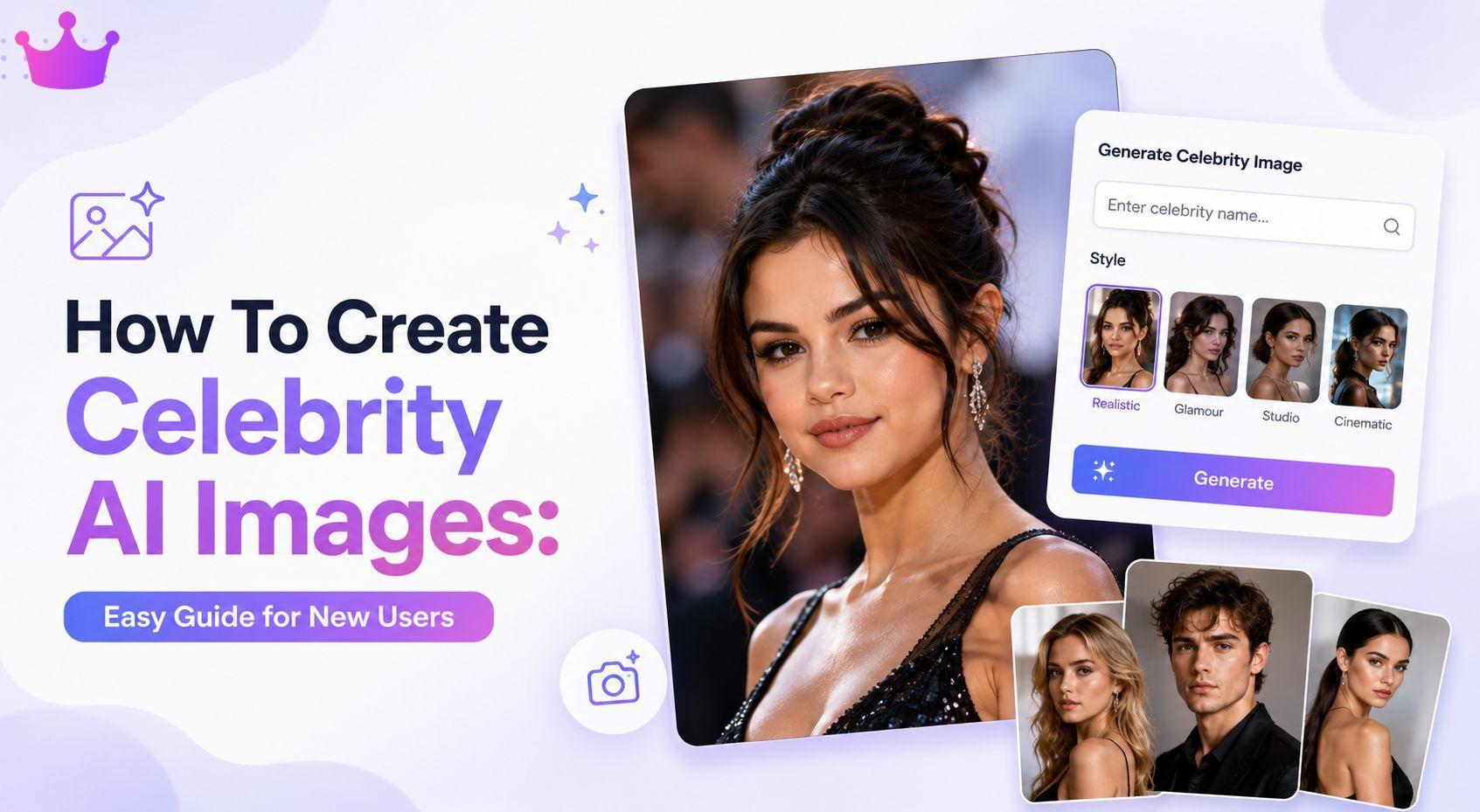
Creating pictures of your favorite stars has never been easier thanks to artificial intelligence. If you have never tried AI before, this guide will walk you through everything like a helpful friend. You will discover how to make celebrity AI images that look real and exciting. We will cover simple methods that anyone can follow, even with zero experience.
Why People Love Making Celebrity AI Images
Fans enjoy turning their imagination into pictures of celebrities in different styles, outfits, or settings. Some want to see stars in new roles, while others explore creative ideas.
Celebrity AI images let you experiment safely at home. It feels like having your own personal photo studio where the celebrities always show up for the shoot.
Choosing the Best AI for Celebrity Images
The best AI for celebrity images depends on three things: ease of use, image quality, and features for beginners. Look for tools that allow simple text descriptions and quick results.
Some platforms focus only on pictures, while others combine chatting with image making. Start with user-friendly options that do not require complicated settings. Test a few free versions to see what feels comfortable for you.
Getting Started Without Any Experience
Begin by signing up on a platform that supports image creation. Most tools ask for basic information and then let you start right away.
Click on the image generation area, type a description, and wait a few seconds. Your first few tries might not be perfect, and that is completely normal. Think of it as learning to ride a bike – small practice leads to big improvements.
Writing Better Prompts for AI Generated Celebrity Images
A prompt is just a clear description you type. For AI generated celebrity images, good prompts include the celebrity’s name, appearance details, clothing, pose, background, and lighting.
Simple Prompt Example:
“Taylor Swift wearing a red evening dress, standing on a beach at sunset, smiling naturally, photorealistic style.”
Add words like “sharp details” or “natural skin texture” to help the AI understand what you want. Write as if you are describing a photo to a friend.
Bullet List: Things to Prepare Before Generating Celebrity AI Images
 Decide which celebrity you want to create
- Choose the outfit or style (casual, formal, fantasy)
- Think about the background or location
- Note the type of lighting (bright daylight, soft indoor)
- Have a clear idea of the mood (happy, serious, playful)
Tips to Make Celebrity AI Images Look More Realistic
Realistic pictures need attention to small details. Mention face shape, hair style, eye color, and body posture. The AI works better when you give it specific guidance.
Try different angles, such as close-up face shots or full body poses. Experiment with expressions – a gentle smile often looks more natural than dramatic ones. Generate several versions of the same idea and pick the best parts from each.
How AI Characters and Image Generation Work Together
Some platforms let you chat with AI versions of celebrities before making images. This helps you understand the character’s personality and creates better descriptions.
You can ask the AI character questions, then use those ideas to build stronger image prompts. This combination makes the whole process more interactive and enjoyable for beginners.
Platforms That Combine AI Chat and Image Generation
Many modern tools offer both conversation and picture creation in one place. CelebsGPT is one such platform where users can chat with celebrity AI characters, explore anime AI chatbots, and generate personalized AI images after signing up. This mix helps people create more consistent and personalized celebrity AI images through natural conversation.
Simple Ways Beginners Can Improve AI Image Results
Practice is the fastest way to improve. Save your favorite prompts and reuse them as a starting point. Small changes often create big differences in the final picture.
Pay attention to what works and what does not. If faces look strange, add more details about facial features. If colors seem off, describe the exact shades you want.
Bullet List: Quick Tips for Better Results
- Use the celebrity’s full name in the prompt
- Add age or specific time period (example: young Elvis)
- Include camera angle (close-up, side view, from below)
- Mention art style (photorealistic, cinematic, studio photo)
- Try generating the same prompt multiple times
Privacy, Copyright, and Responsible AI Image Creation
When making celebrity AI images, it is important to think about rights and respect. Most tools are meant for personal fun and creative experiments.
Avoid using images for commercial purposes or spreading false information. Always respect the real people behind the celebrities. Good platforms have rules to prevent misuse, but your own choices matter too.
The phrase “ai generated celebrity nudes” appears often in online searches, but responsible users focus on creative and respectful content instead.
Where AI Search Trends Are Heading Next
People are searching more for personalized and interactive experiences. Tools are getting better at understanding natural language and creating consistent characters across multiple images.
Beginners will soon find even simpler interfaces and faster results. The focus is moving toward fun, ethical, and creative uses of AI technology.
Comparison Table: Different Approaches for Beginners
If you're just getting started with AI image generation, you don't need to master every technique right away. Different approaches work better for different goals. Some methods are perfect for quick image creation, while others help you create more detailed and personalized results. The comparison below gives a simple overview of the most common approaches beginners can try.
| Approach | Description | Best For | Difficulty |
|---|---|---|---|
| Basic Text Prompts | Simple descriptions only | Quick experiments | Very Easy |
| Chat-First Method | Talk with AI character first | Better character understanding | Easy |
| Style Reference | Add example styles or artists | Artistic looking images | Medium |
| Multi-Image Editing | Generate then refine details | Fine-tuning results | Medium |
There's no single "best" approach for everyone. If you're new to AI image generation, starting with basic text prompts is the easiest way to learn how prompts influence the final result. As you gain confidence, you can experiment with more advanced methods to create images that better match your creative vision. Over time, trying different approaches will help you discover which workflow works best for your style and goals.
Wrapping Up Your Celebrity AI Image Journey
Making celebrity AI images is a fun and creative hobby that keeps getting easier. You now know how to start, write better descriptions, and improve your results step by step.
Remember to enjoy the process, stay respectful, and keep learning. Every new prompt is a chance to discover something cool. Grab your favorite celebrity name, write a simple description, and see what appears on the screen. You might surprise yourself with how good your first images turn out.
Have fun creating!
Frequently Asked Questions (FAQs)
What is the best AI for celebrity images?
The best AI for celebrity images is one that feels easy to use and gives clear results. Look for platforms with good prompt understanding and fast generation times. Test a couple to see which matches your style.
Can complete beginners create good celebrity AI images?
Yes! Many beginners make nice images on their first day. Start with simple prompts and improve gradually. Patience and small experiments make a big difference.
Are AI-generated celebrity images legal?
Personal use is usually fine, but laws differ by country. Avoid using them for money-making or to create misleading content. Always follow the platform’s rules.
Do I need experience writing prompts?
No experience is necessary. Write like you are describing a picture to someone. The more specific and clear you are, the better the AI understands you.
How can I make my celebrity AI images look more professional?
Focus on lighting, details, and realistic proportions. Generate several versions, then combine the best elements. Practice regularly and keep notes of what works well for you.